


I just want to tell everyone that i have enjoyed all the pictures of your dogs. I can't wait till I get my scanner, maybe today, but then have to learn how to use. Then I to can share all my fur-babies with you. Riley, Gannie, and Pearlie Mae, and of course Noel, who isn't mine but she spends all week-ends with me.
All of the pictures are just wonderful and enjoy. reading their stories about them.

 Reply With Quote
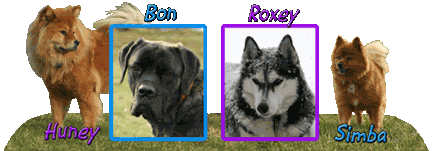
 Huney, Bon & Simba-missed so very much





Bookmarks