


Here you go.
I made 2, one with her name and one without.
If you want to use this one, just copy the URL underneath the image.

[IMG]http://img.photobucket.com/albums/v181/ptsignatures/chicaani.gif[/IMG**]
Or if you want to use this one, just copy the URL underneath the image.
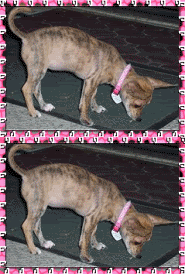
[IMG]http://img.photobucket.com/albums/v181/ptsignatures/chicaani2.gif[/IMG**]
Then, go to your User CP
Then to Edit Options
Scroll down to your signature area, erase everything that's already in there (The current IMG brackets)
Then paste what you copied into there.
Delete the two *'s in the last bracket so that it looks like this [/IMG]
Scroll down and click "Submit Modifications"
Need anymore help? Just ask!


 Reply With Quote
Bookmarks