


Well, I got my more recent pictures over onto the computer today.
Once again they all came over HUMONGOUS sizes, like 3072x2304 pixels.
I reduced a few of them to manageable sizes, so you can all finally get to see a couple of pics of my new girl Sparkler!
Here she is in her Lounge Lizard pose.
Here's big brother Elmer checking out the New Kit on the Block. Note the similarity in their marking, if not their coloring. Maybe they really are related!
I put them into an Album on my user Public Profile page, so you can also go take a look there.
And now for my photo questions:
The last time I put some pictures here, they all came out huge, and I had to reduce them one at a time to manageable sizes. I asked, is there a way to get them over in the first place not so enormous, or a way to reduce them all proportionally? Someone gave me a link to an application for reducing picture sizes.
I got that, which turned out to be HP Image Zone Plus, with which I can reduce photos. But from what I've figured out so far with it, it will only do one picture at a time. I already have a graphic program called IrfanView with which I reduced the earlier pictures, which only does one at a time.
My question #1: Is there a way to get the pictures from the camera to the computer not so huge in the first place?
and #2: If not, is there a way to do multiple-reductions with HP Image Zone Plus or IrfanView or another such application?
Thank you so much for any advice!
I will soon have more pictures of Sparkler to share, as well as new ones of my other Family Members (even if I have to resize them one at a time).

 Reply With Quote


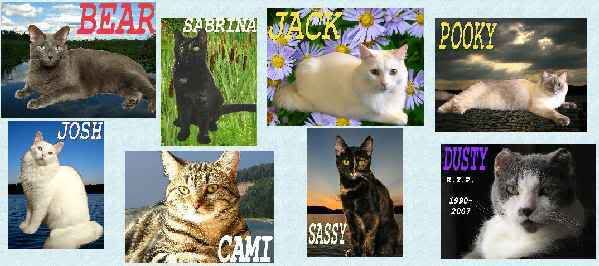
 RIP Sabrina June 16 2011






 Originally Posted by Catlady711


Bookmarks