


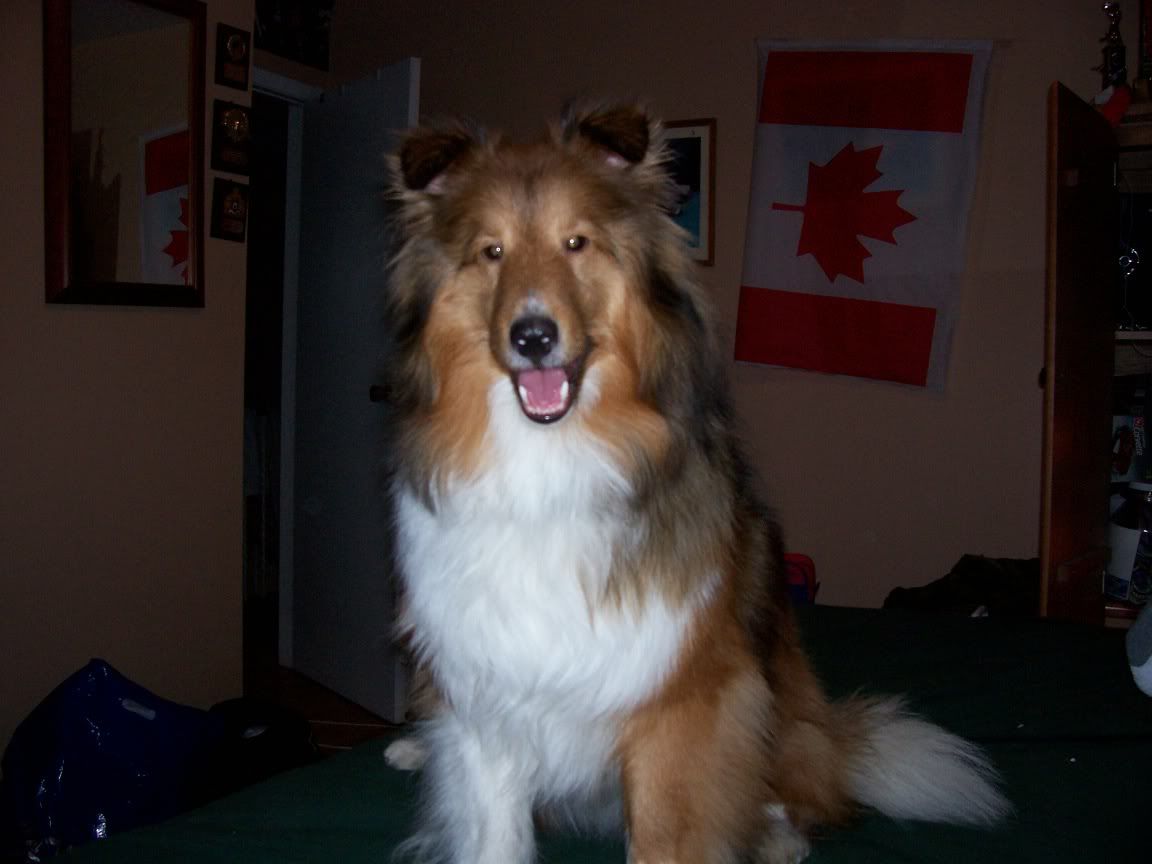
Just wanted to say thanksOpps pic's a little...or a lot big, but oh well i managed to do it


 Registered User
Just wanted to say thanks
 RVT
RVT
just to reiterate and in case anyone else needs help, here is a screen shot:

 And Taz', too
Oops, it shrunk too much. If you did the edit on photobucket, you may need to reload the picture. After you do you can edit it to 50% before you do the image paste. I guess that would be a good size (I usuallly resize before loading to photobucket because I have dial-up). Can't wait to see your pup.
Registered User
How do you resize before loading to photobucket? I try to resize mine on photobucket and it shows that they resized but the pictures are still huge. Maybe the pictures are just really big anyway.Originally Posted by Ginger's Mom
RVT
You can use an image editing program. I recommend irfanview, http://irfanview.com Its free and does basic edits such as rotating, resizing, etc.
And Taz', too
Do you have Microsoft Office Picture Manager on your computer? I will PM you.
Registered User


Question how do you take screen shots?
RVT
On your keyboard for PCs there is a button nex tto the F12 button that says "prt Scr" and "SysRq". Press the button. Then open an image editing program and hit CTRL+V to paste the image
Registered User
Answer to your Question (if you actually look at this thread again): I don't believe I have Microsoft Picture Manager on my computer.
I'd try getting an image editing program but I don't think my brother would let me download it on to the computer; At least I know how to post pictures now though.
 Posting Permissions
Copyright © 2001-2013 Pet of the Day.com

 Reply With Quote

Bookmarks